2 Alert recipient hygiene + suspicious-login alerts
Google raises security alerts of its own — suspicious logins, leaked passwords, compromised devices, admin-privilege changes — through system-defined rules that are already active. This control points those rules at a monitored mailbox with a named owner instead of the default 'all super admins', and fixes the organisation's admin contact addresses so Google's own notifications do not land in a departed admin's inbox. The detection already exists; the usual failure is that nobody receives it.
Documentation: About the alert center ↗
Caveats
Setup steps
- open ↗
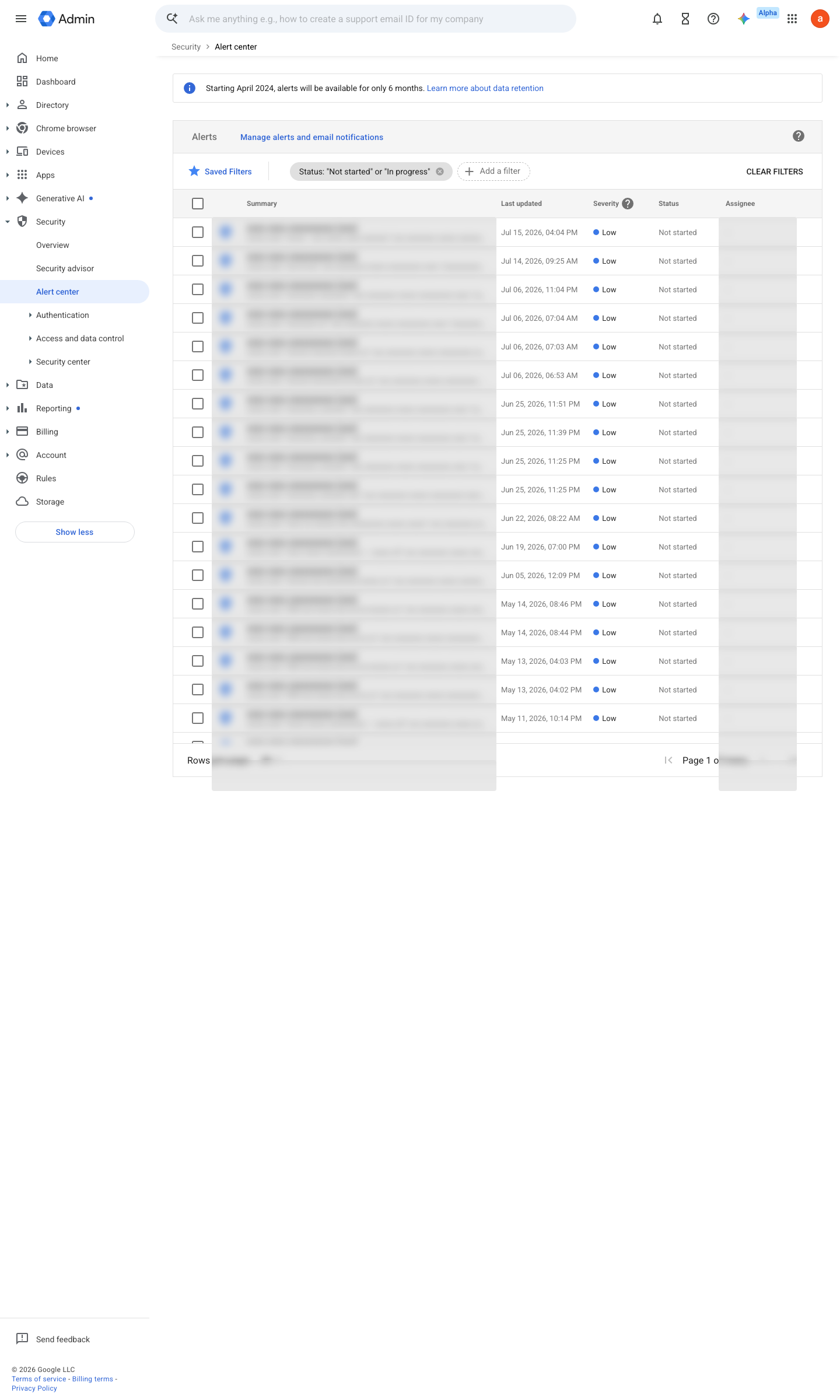
https://admin.google.com/ac/ac · captured 2026-07-15
Security › Alert center- Filter
last 30 days, all severities
-
-
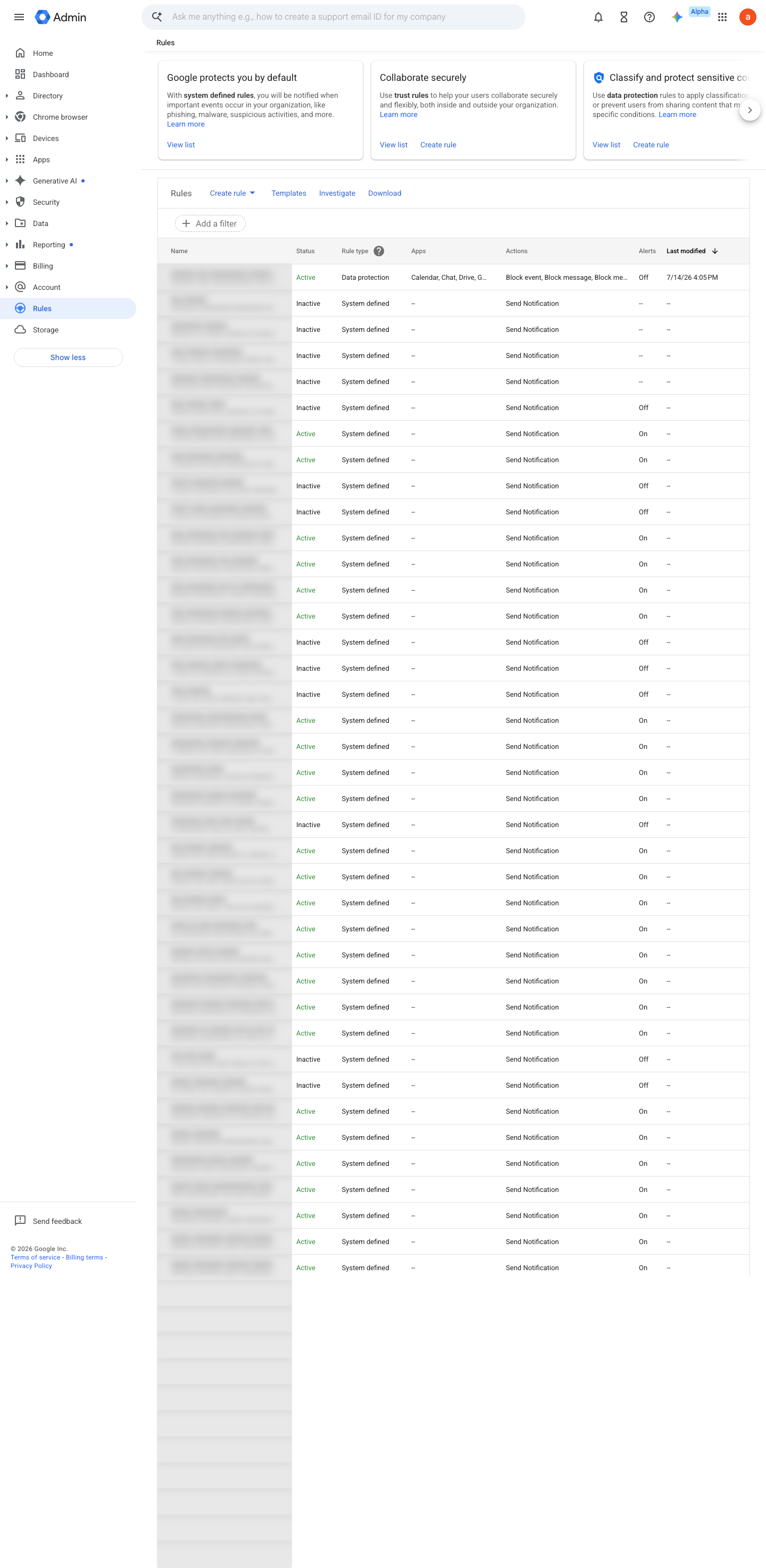
Rules › <rule> › Actions- Email notifications
On- Recipients
security-alerts@<domain> (monitored group whose access settings allow senders from outside the organisation)
- open ↗
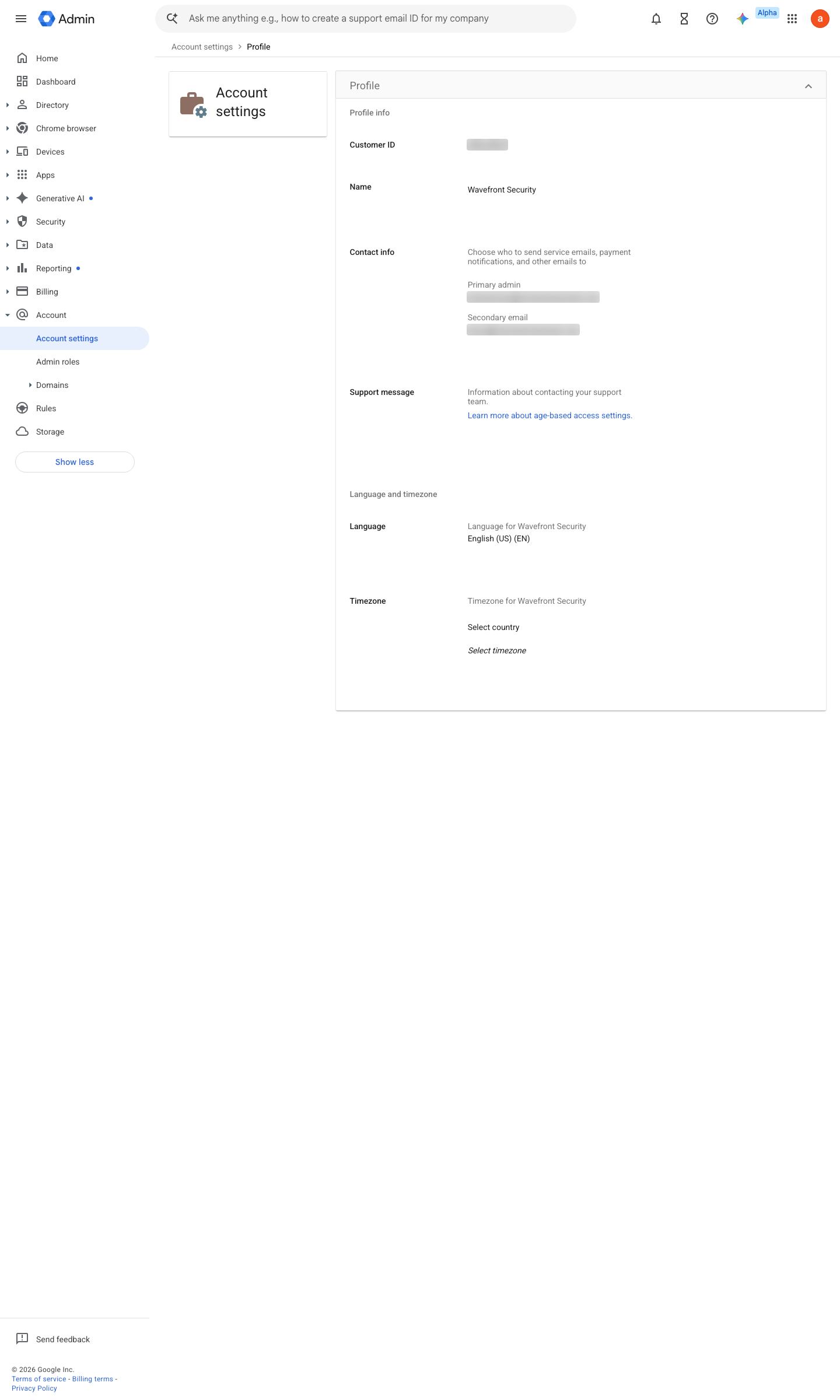
https://admin.google.com/ac/accountsettings/profile · captured 2026-07-15
Account › Account settings › Profile- Secondary email
a monitored address outside your Workspace domain (the console rejects in-domain addresses here)
Ensure you receive critical notifications and updates for your Google Workspace account ↗
Ongoing maintenance
- requires a human Quarterly: re-check rule recipients after admin departures — alerts routed to a leaver’s mailbox fail silently.
- automatable: AI agent Weekly: review the alert center for unhandled alerts.
How to verify
-
Trigger a harmless rule (e.g. sign in from a fresh browser profile to raise a suspicious-login event) and confirm the alert reaches the monitored mailbox.
-
Read the recipient list on each system-defined rule in Rules — every alert should route to the monitored security address.
v0.1.2 Detect policy #33 · #11 ↗