31 Audit-log export to SIEM/BigQuery
Workspace keeps its audit logs for a bounded period and offers only a console search over them. BigQuery Export streams the activity and usage events — login, admin, Drive, token — into a GCP project you control, where they outlive Google's retention window and can be queried properly. It is the substrate the WORM archive (№58) and the detection rules (№66) are built on, and the dataset region should match your data-region policy.
Documentation: About reporting logs and BigQuery ↗
Caveats
Setup steps
- open ↗
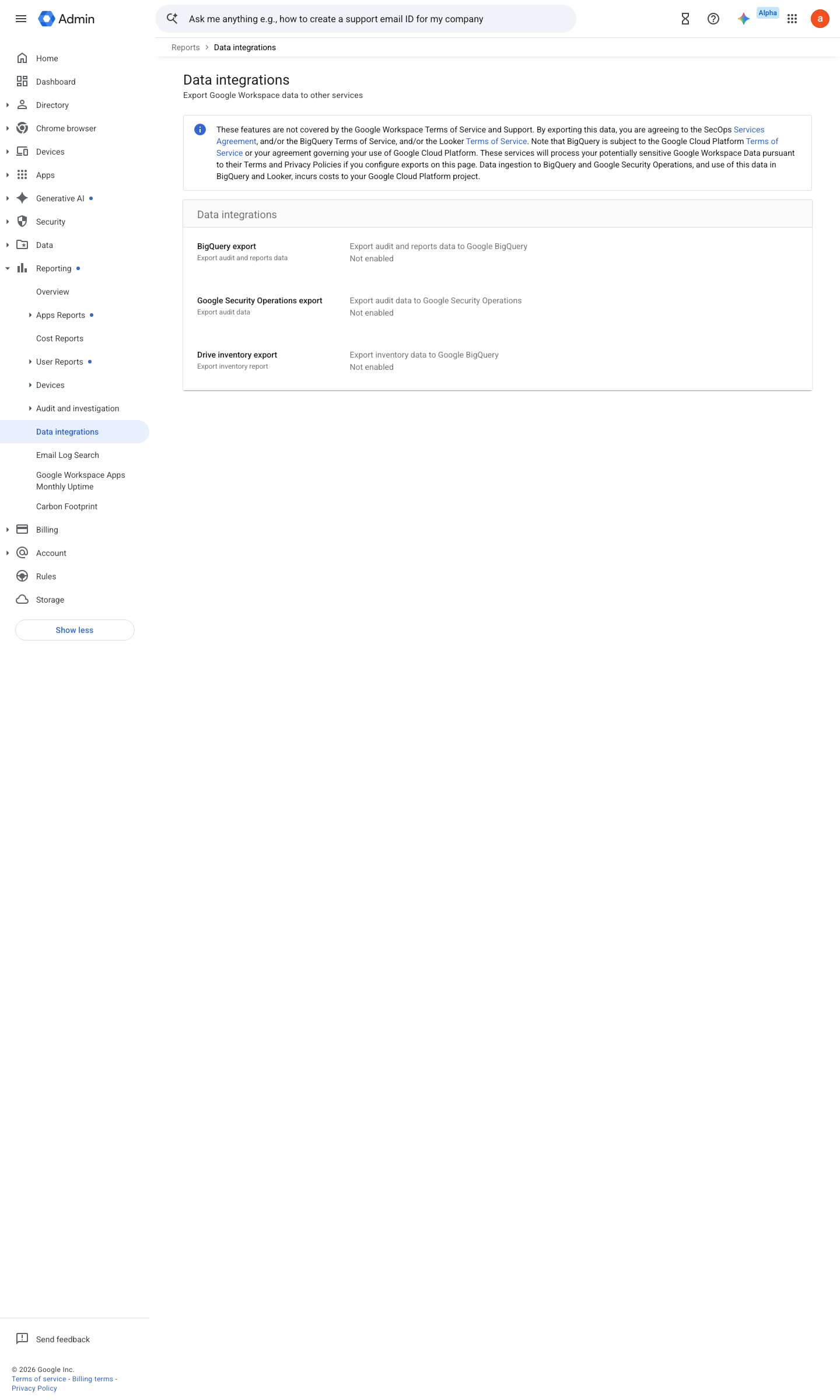
https://admin.google.com/ac/reporting/bigqueryexport · captured 2026-07-15
Reporting › Data integrationsBigQuery Export = On; Project = <dedicated logging project>; grant gapps-reports@system.gserviceaccount.com the project Editor role (or an equivalent IAM editor role) on that project
Set up service log exports to BigQuery ↗ Set up a BigQuery project for reporting logs ↗
-
Reporting › Data integrations- Dataset region
matching your data-region policy (№24)- export
the date-partitioned activity + usage tables
- open ↗
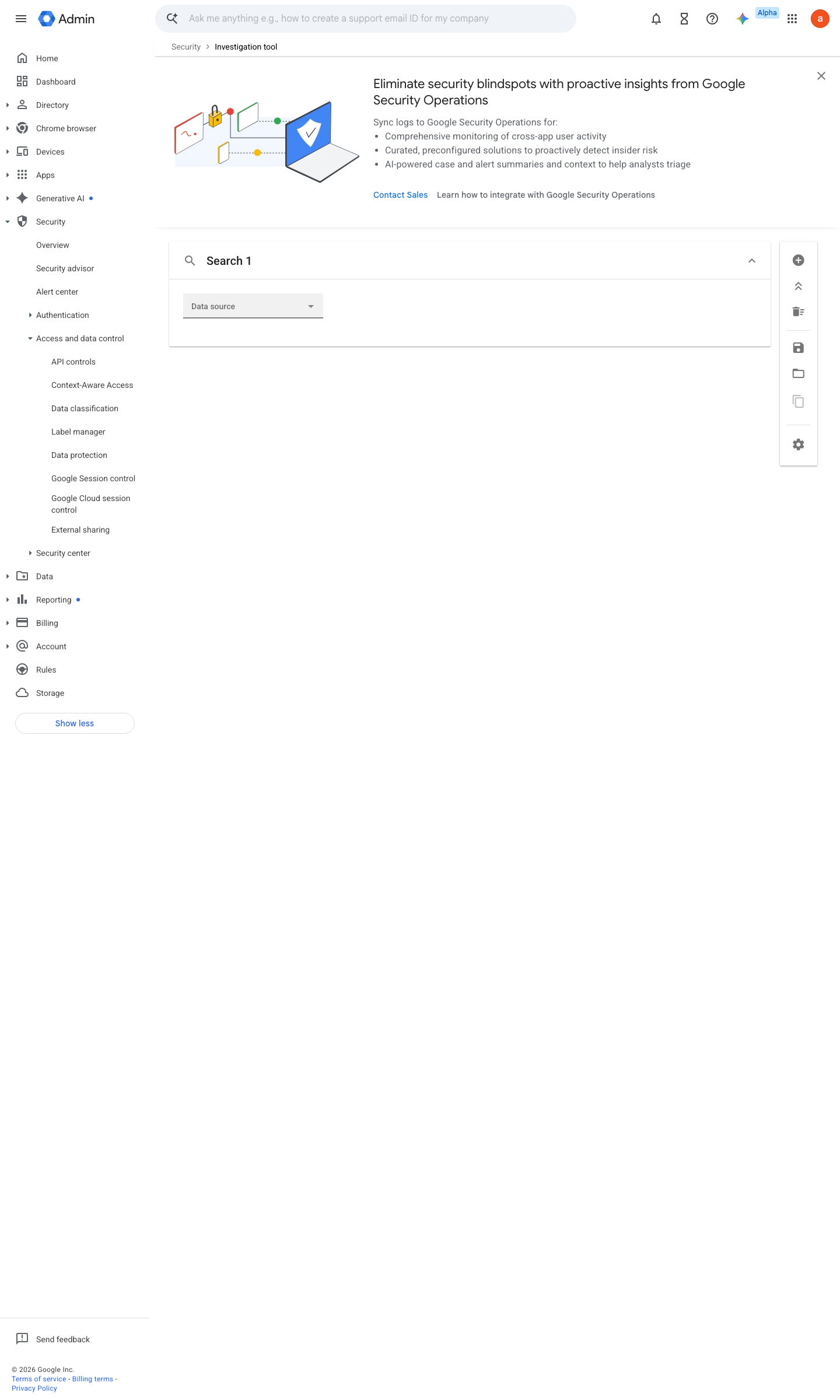
https://admin.google.com/ac/sc/investigation · captured 2026-07-15
Reporting › Audit and investigationVerify the day's partition exists in the activity table (query _PARTITIONTIME)
About the audit and investigation tool ↗ Example queries for reporting logs in BigQuery ↗
-
Dataset default table expiration = never (or > your retention policy); onward sink to Bucket-Locked GCS
Ongoing maintenance
- automatable: script Daily: alert if the newest exported event is older than 24h (fold into №52 heartbeat).
How to verify
-
Query the newest partition and check freshness — an export that silently stopped is the failure mode that matters.
bq query --use_legacy_sql=false 'SELECT MAX(time_usec) FROM `<project>.<dataset>.activity`'
v0.1.3 Detect edition Ent/Edu/Frontline Std+, Ent Ess Plus policy #18 · #33 ↗