47 Deny-by-default IP/geo gating
draft
An allow-list posture at the network layer: a Context-Aware Access level enumerates the countries and IP ranges you actually operate from, plus device conditions that keep it from being purely geographic, and it is applied through the three default policies on CAA General settings — Google-owned apps, SAML apps, OAuth apps — so an app enabled next month is covered without anyone remembering to add it. The deny-by-default comes from allowing a short list, not from writing deny rules.
Documentation: Protect your business with Context-Aware Access ↗
Caveats
Setup steps
- open ↗
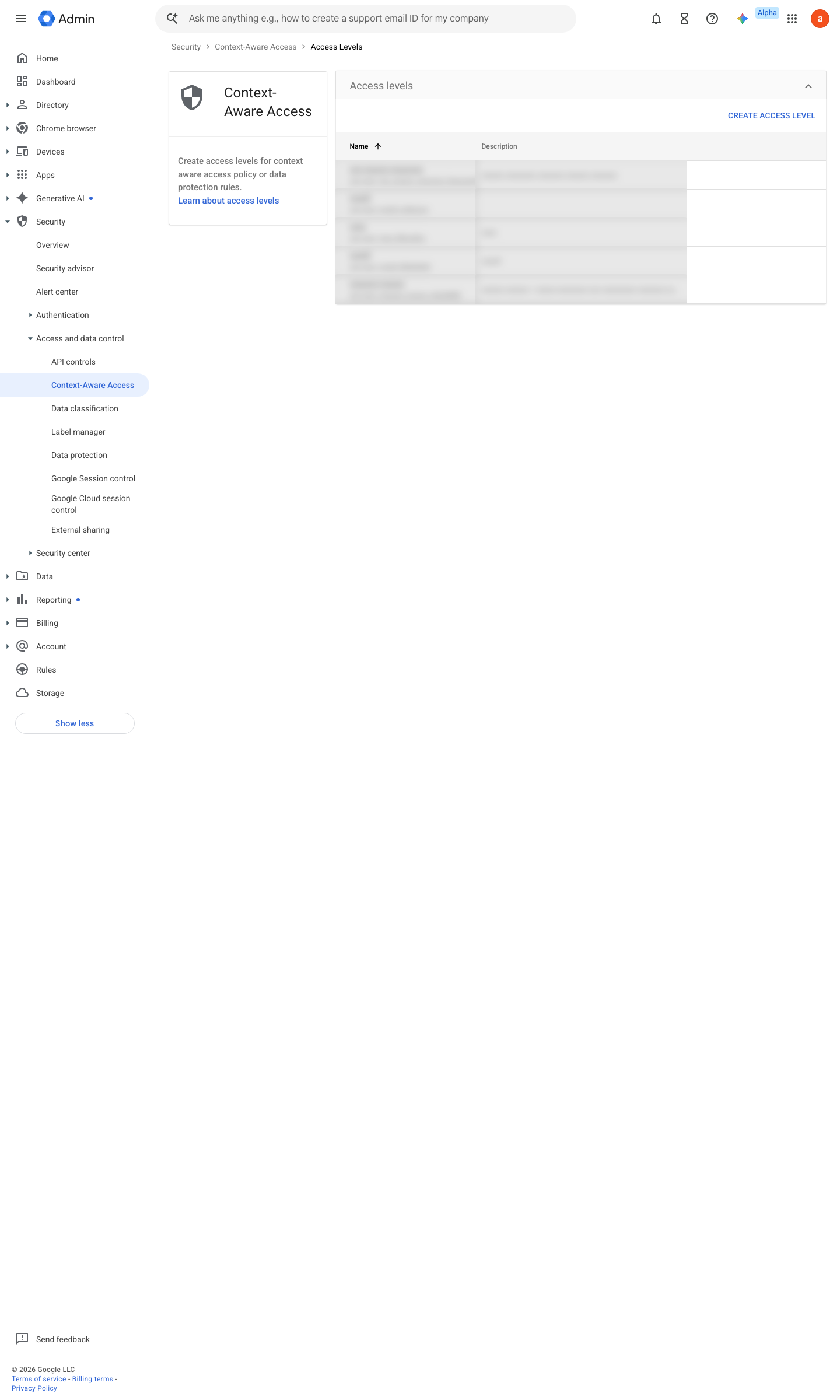
https://admin.google.com/ac/security/context-aware/access-levels · captured 2026-07-15
Security › Access and data control › Context-Aware Access › Access levelsBasic mode; Condition = IP subnet in CIDR (office/VPN egress) OR Region in {GB, DE, …}; Attribute match = ALL
- open ↗
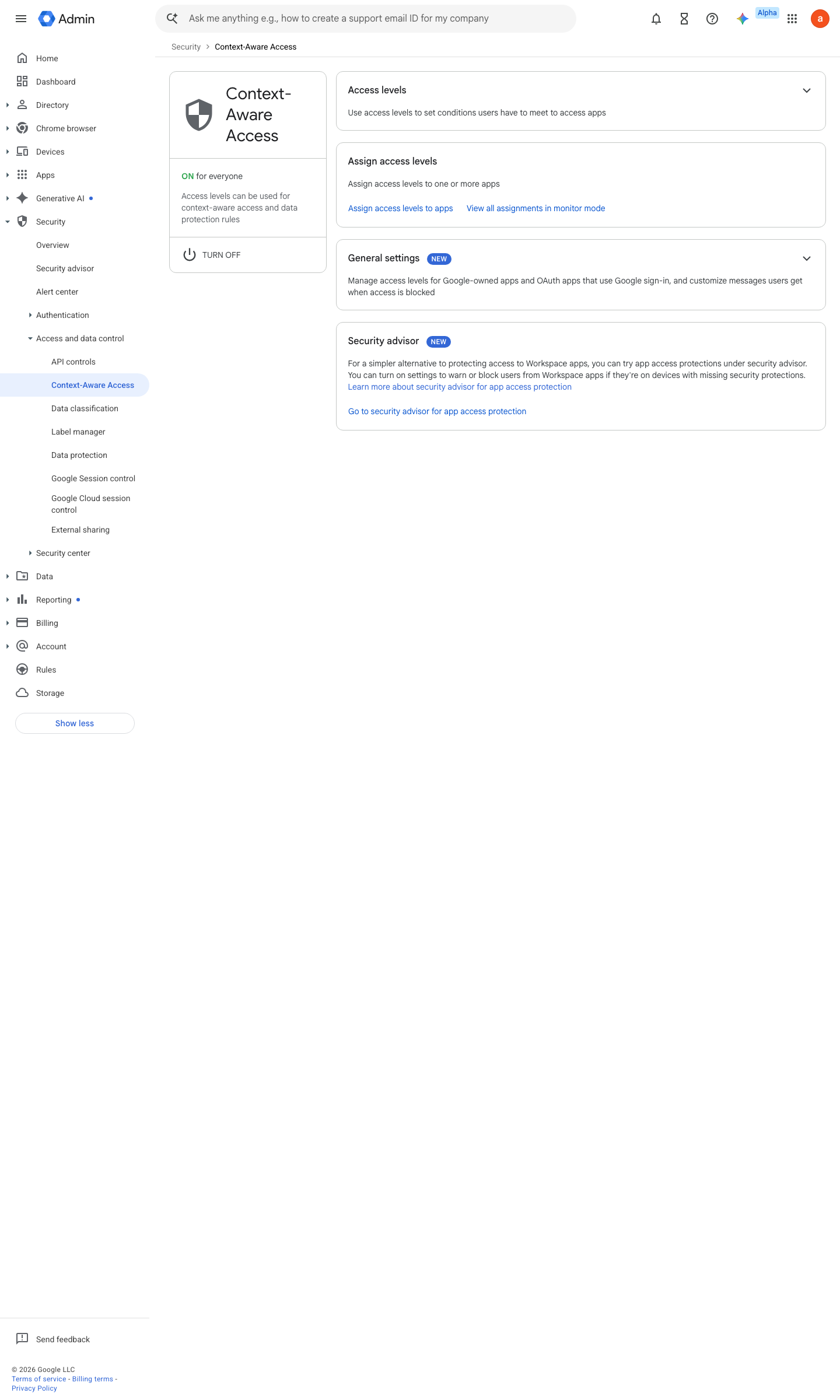
https://admin.google.com/ac/security/context-aware · captured 2026-07-15
Security › Access and data control › Context-Aware Access › Access levels- Device policy
company-owned / encrypted / screen-lock ON
- open ↗
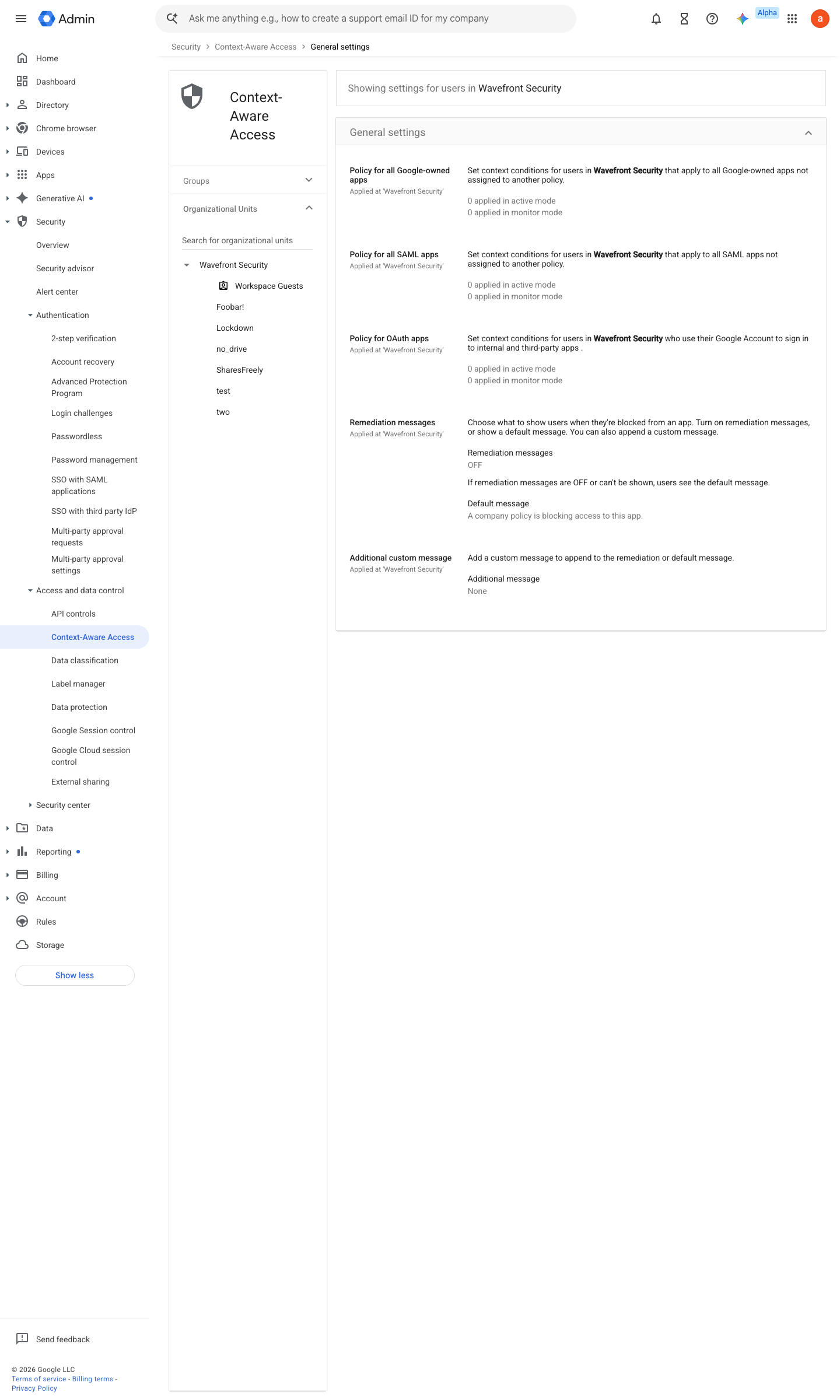
https://admin.google.com/ac/security/context-aware/settings · captured 2026-07-15
Security › Access and data control › Context-Aware Access › General settings- General settings: all three default policies
the allow level
Assign access levels to Google-owned apps ↗ Apply a default Context-Aware Access policy for all SAML apps ↗
-
Security › Access and data control › Context-Aware Access › General settingsAction ramp: Monitor → (after review) Active
Ongoing maintenance
- requires a human On travel/office changes: update the allowed set before the trip, and remove it after.
- automatable: AI agent Weekly: review CAA denial logs for legitimate users caught by the fence.
How to verify
-
Sign in as a test user via a VPN egress in a non-allowed country — the CAA log must show the block (or the would-block while still in Monitor).
draft v0.1.2 Prevent edition Ent Std+, Edu Std+, Frontline Std+, Ent Ess Plus policy #4 · #14 ↗