34 Disable Google Takeout
draft
Google Takeout gives every user a one-click bulk archive of their mailbox, Drive and other service data. Turning it off removes that self-service export path — the fastest way for a compromised account, or a departing employee, to walk out with everything at once. It applies per OU, and the shared 'Data export permission' toggle covers the jointly-controlled core services while nine other services each carry a switch of their own.
Documentation: Allow or block Google Takeout ↗
Caveats
Setup steps
- open ↗
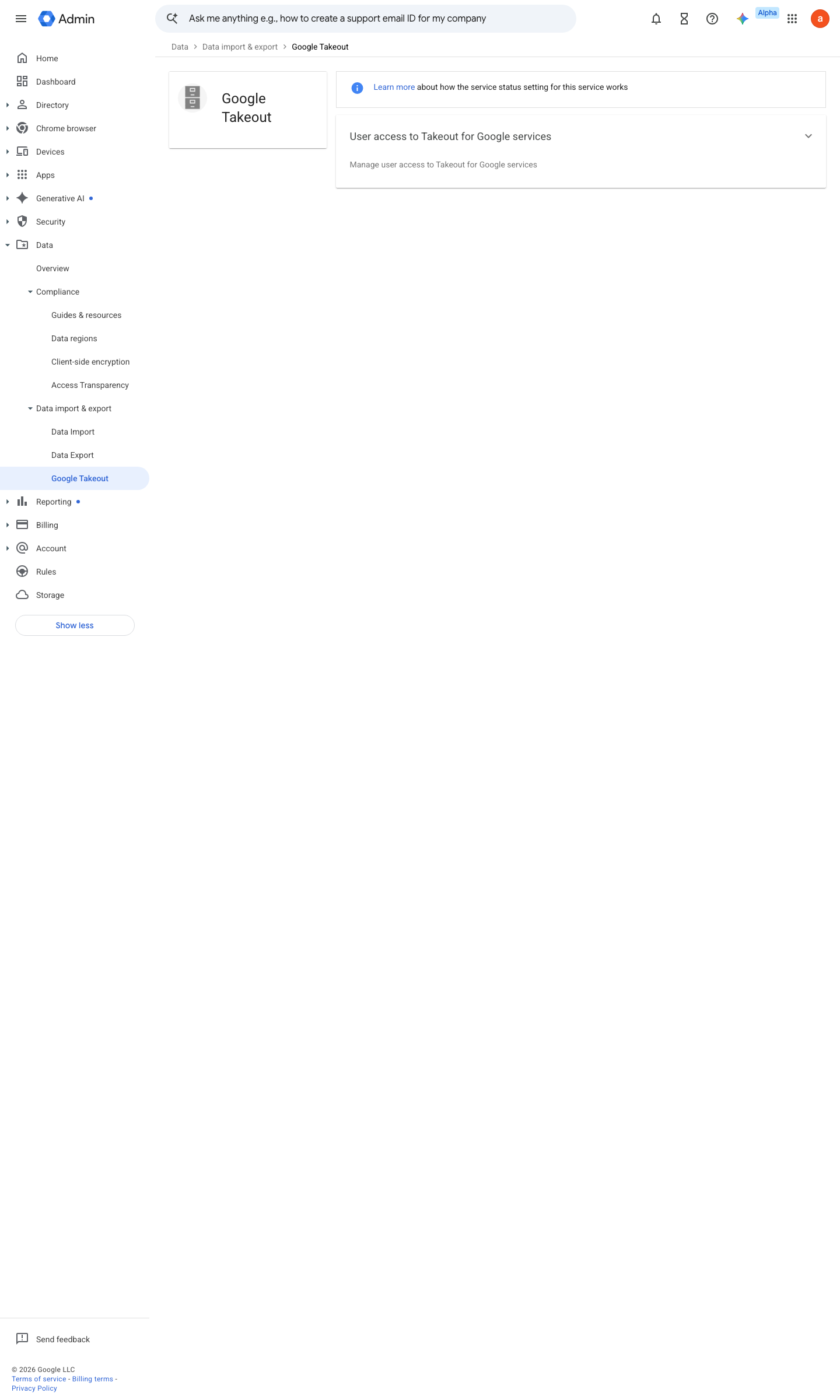
https://admin.google.com/ac/managedsettings/850805570439 · captured 2026-07-15
Data › Data import & export › Google Takeout- OU
root / high-risk OU
-
Data › Data import & export › Google Takeout › User access to Takeout for Google services- Data export permission
Don't allow for everyone
-
Data › Data import & export › Google Takeout › Services with individual controlsYouTube, Google Photos, Blogger, Google Play, Google Pay, Location History, Google Maps, Google Books, Play Console = OFF
- open ↗
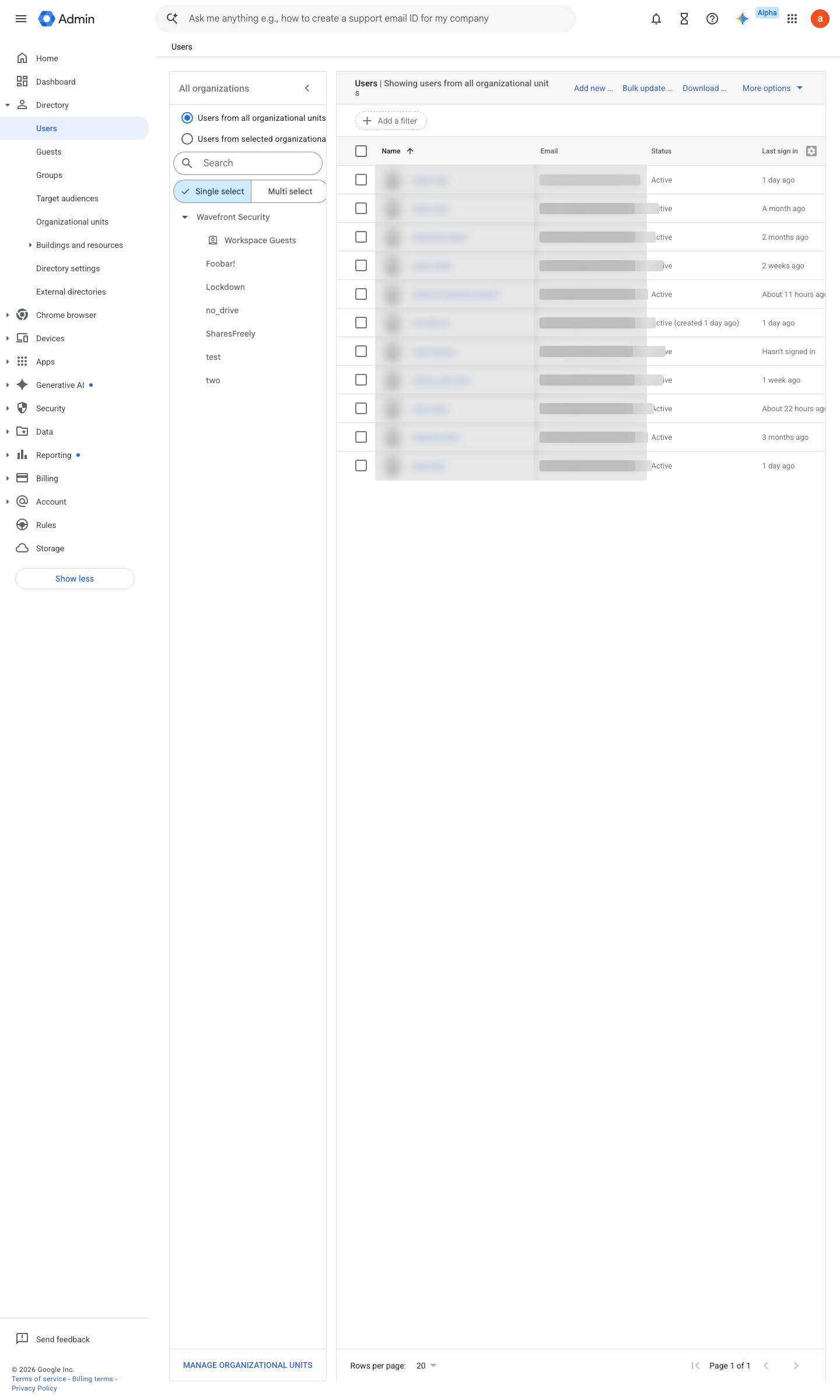
https://admin.google.com/ac/users · captured 2026-07-15
Directory › UsersVerify OU membership
How to verify
-
As a test user, open takeout.google.com — the covered services must refuse export ("service not available"). User-visible, no admin access needed.
draft v0.0.3 Prevent policy #15 · #4 ↗