3 Government-backed attack alert routing
Google warns accounts it believes are targeted by state-sponsored attackers, through a system-defined alert rule that has been on by default since October 2018. The alert names the targeted user, so the work here is routing and response: raise the severity so it is not buried, send it to the monitored security address plus a named human, and record the response: password reset, enforced 2-Step Verification and Advanced Protection enrolment (№21), coordinated through an out-of-band call rather than an email reply.
Documentation: Government-backed attack alerts ↗
Caveats
Setup steps
-
-
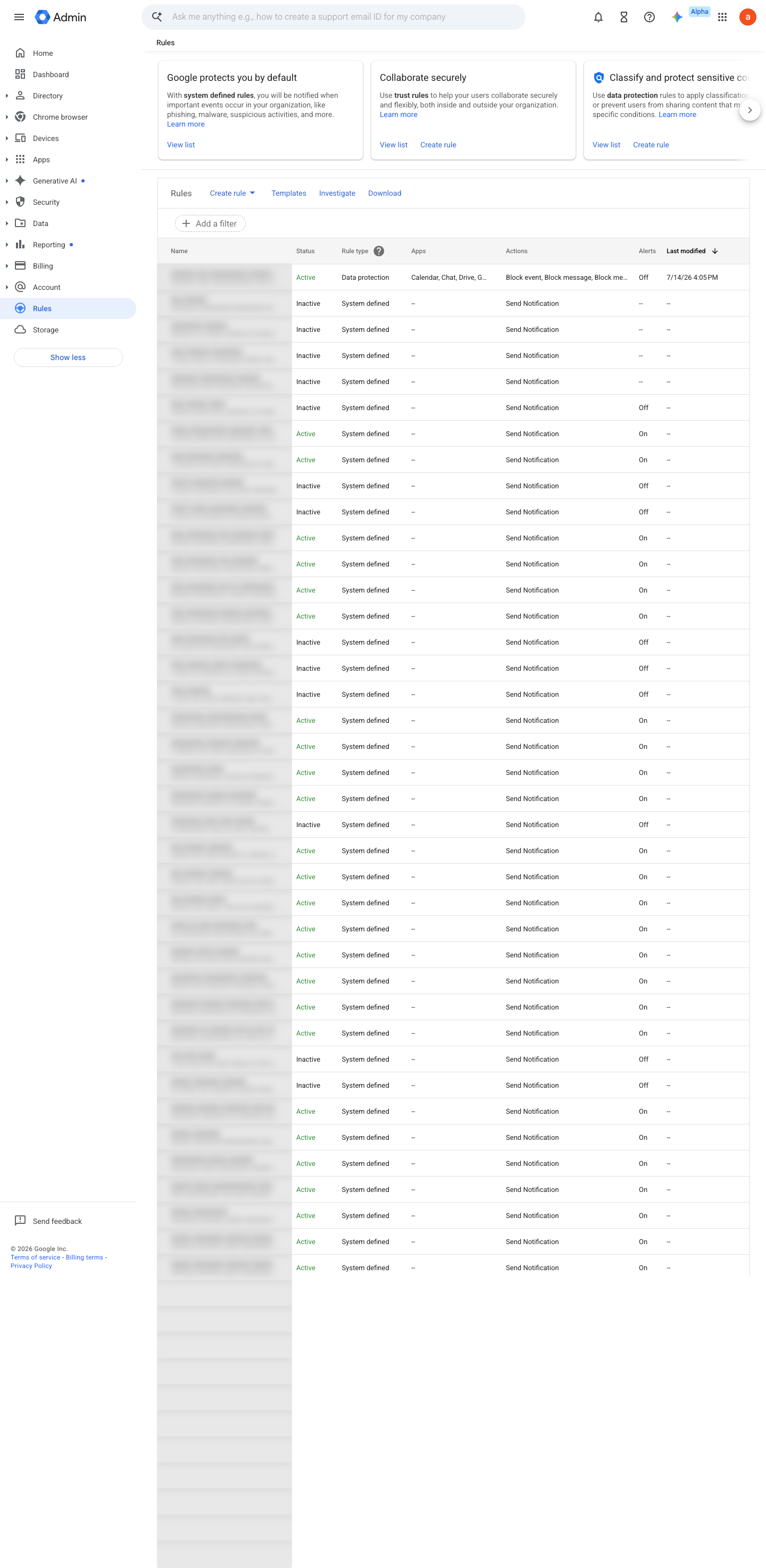
Rules › Government-backed attacks- Status
Active- Alert center
On- Severity
High
-
Rules › Government-backed attacks › Actions- Email notifications
On- Recipients
security-alerts@<domain> + named responder (internal-domain addresses only)
- open ↗
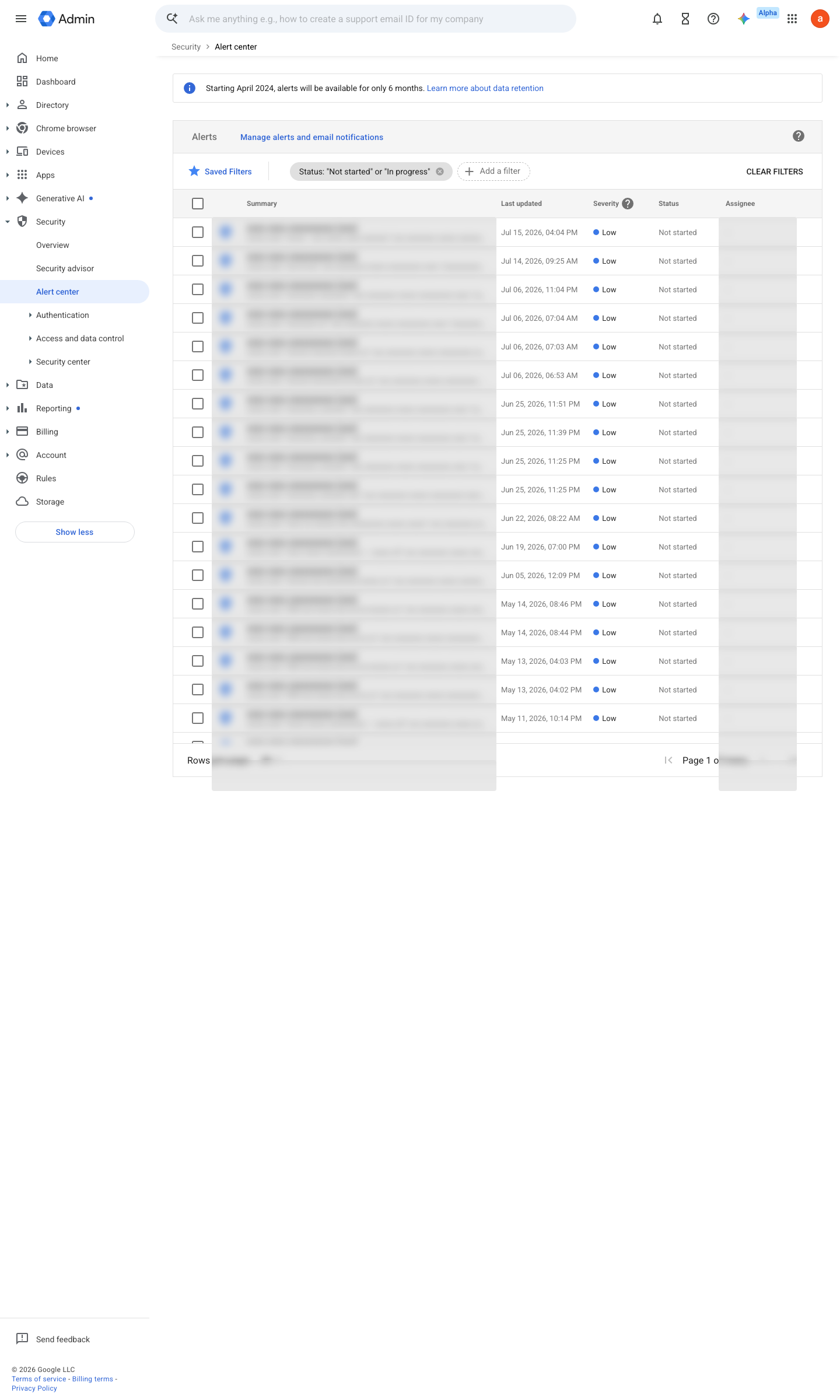
https://admin.google.com/ac/ac · captured 2026-07-15
Security › Alert centerPlaybook link attached to the alert workflow
View alert details ↗ Enable user enrollment in the Advanced Protection Program ↗
Ongoing maintenance
- requires a human Quarterly: confirm the named responder is still current staff and the playbook link resolves.
How to verify
-
Open the system-defined rule "Government-backed attacks" and confirm Status = Active, alert center delivery On, and the recipient set is the monitored address plus a named responder.
v0.0.3 Detect policy #33 · #11 ↗