29 Shared-drive architecture
Shared drives own their files, so data survives a departure instead of being stranded in an ex-employee's My Drive. This control decides who may create a drive at all, sets the org-wide defaults every new drive inherits (external access, non-member access, download/print/copy for viewers), and audits the drives that exist. Membership is by group, never by individual — that is what makes access recertification (№41) a review of about twenty groups rather than a crawl over thousands of ACLs.
Documentation: Set up shared drives for your organization ↗
Caveats
Setup steps
- open ↗
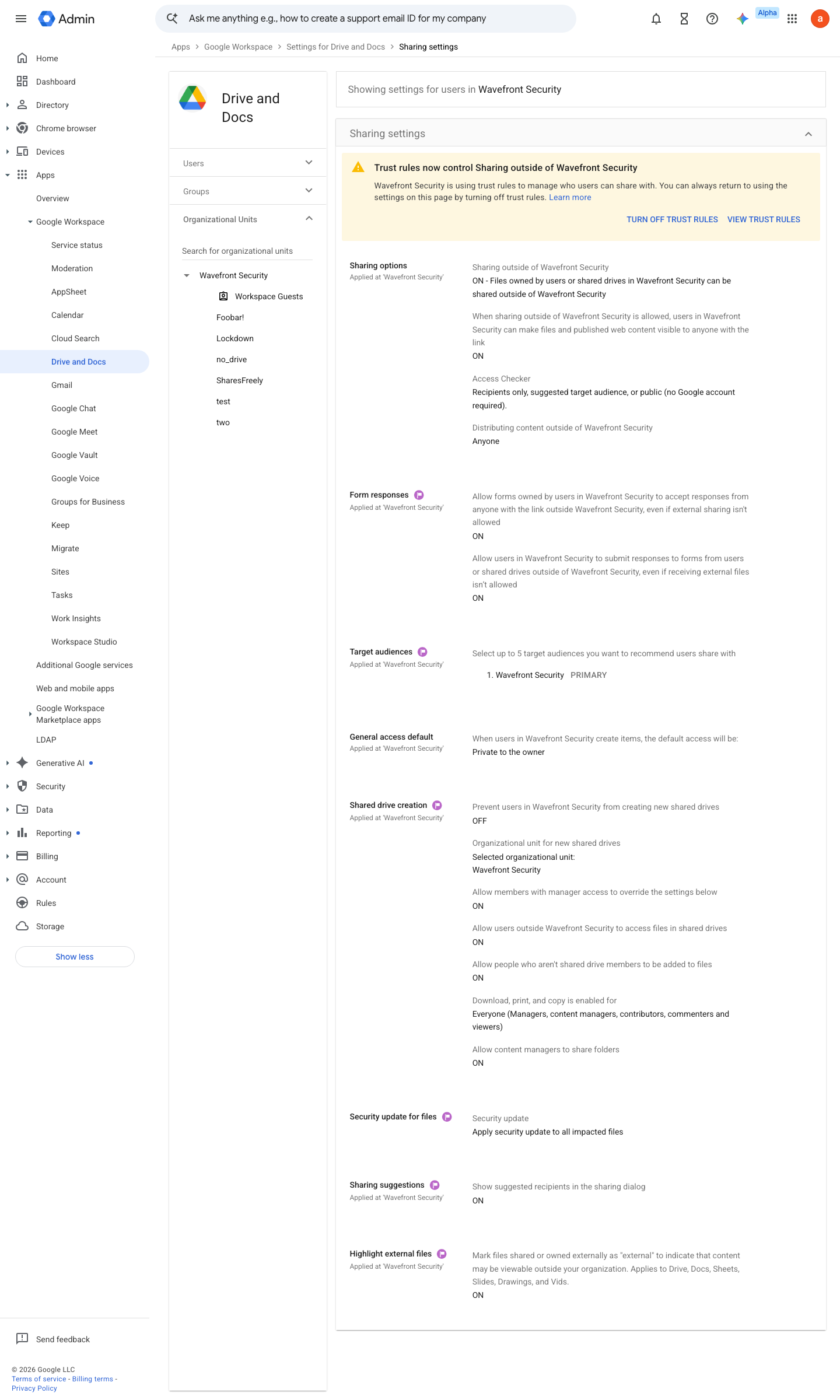
https://admin.google.com/ac/managedsettings/55656082996/sharing · captured 2026-07-15
Apps › Google Workspace › Drive and Docs › Sharing settings › Shared drive creationPrevent users in <OU> from creating new shared drives = On for general staff; Off for a small set of drive owners
-
Apps › Google Workspace › Drive and Docs › Sharing settings › Shared drive creationAllow members with manager access to override the settings below = Off; Allow users outside <organization> to access files in shared drives = Off; Allow people who aren't shared drive members to be added to files = Off; Allow viewers and commenters to download, print, copy = Off; Allow content managers to share folders = Off
- open ↗
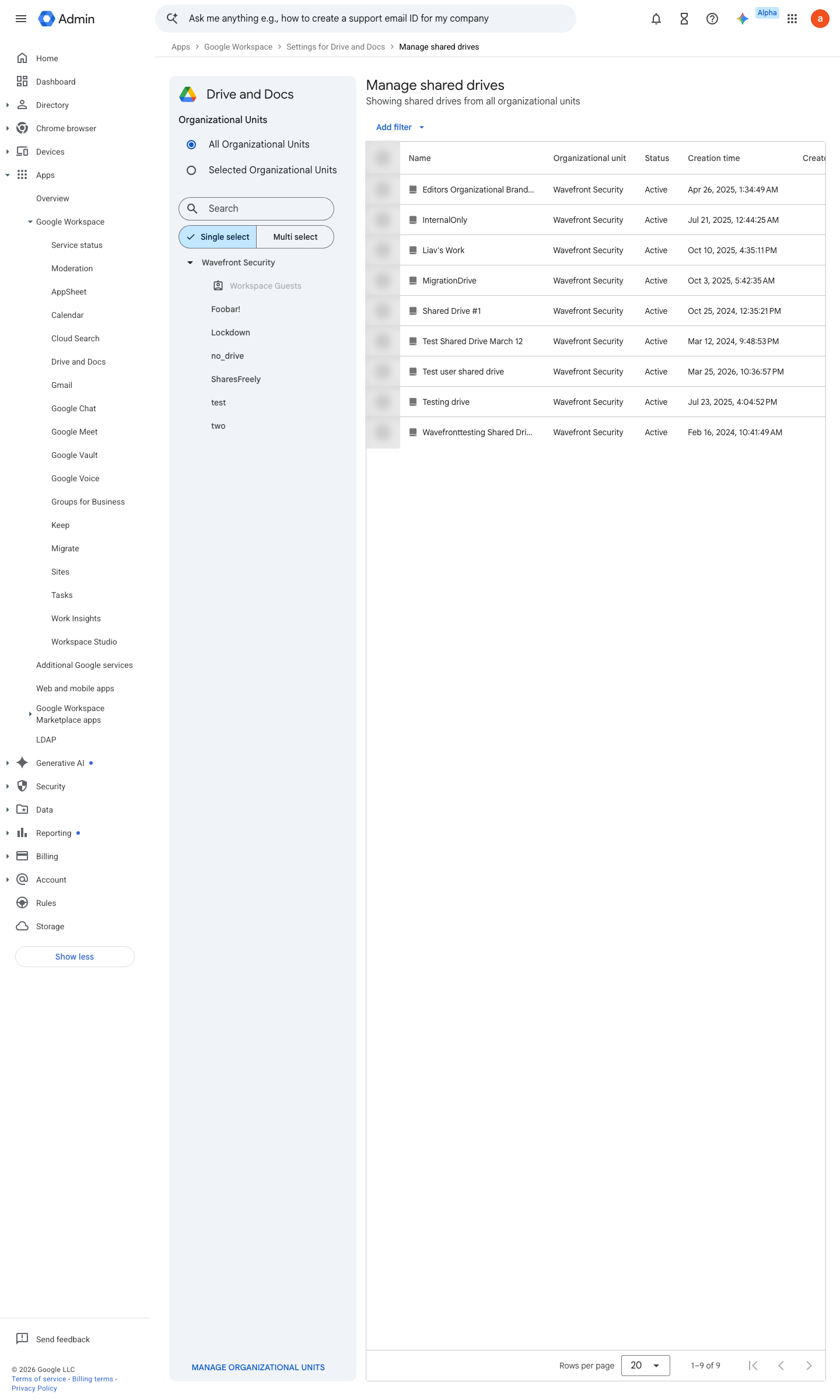
https://admin.google.com/ac/list/shareddrives · captured 2026-07-15
Apps › Google Workspace › Drive and Docs › Manage shared drivesPer drive: Manage members → confirm membership is by Group, never by individual
-
Apps › Google Workspace › Drive and Docs › Manage shared drives- Per drive: external access
Off- sharing with non-members
Off- download/print/copy for viewers
Off
Ongoing maintenance
- automatable: script Quarterly: review shared-drive membership as part of the №41 recertification cycle.
How to verify
-
Enumerate shared drives and their settings — external members, download/copy restrictions, and managers should match the architecture.
gam print shareddrives fields id,name,restrictions
v0.0.3 Prevent policy #15 · #10 ↗