6 Super-admin separation & minimal count
Super admin is the tenant's root privilege: it can read any mailbox, reset any password and unwind any setting on this list. This control caps the number of super admins at a handful and — the part that matters more — moves the role onto dedicated admin-only identities with no mail flow and no third-party OAuth grants, so an admin's daily phishing exposure is not also the tenant's. Everyday accounts drop to the narrowest prebuilt delegated role that does their job.
Documentation: Security best practices for administrator accounts ↗
Caveats
Setup steps
- open ↗
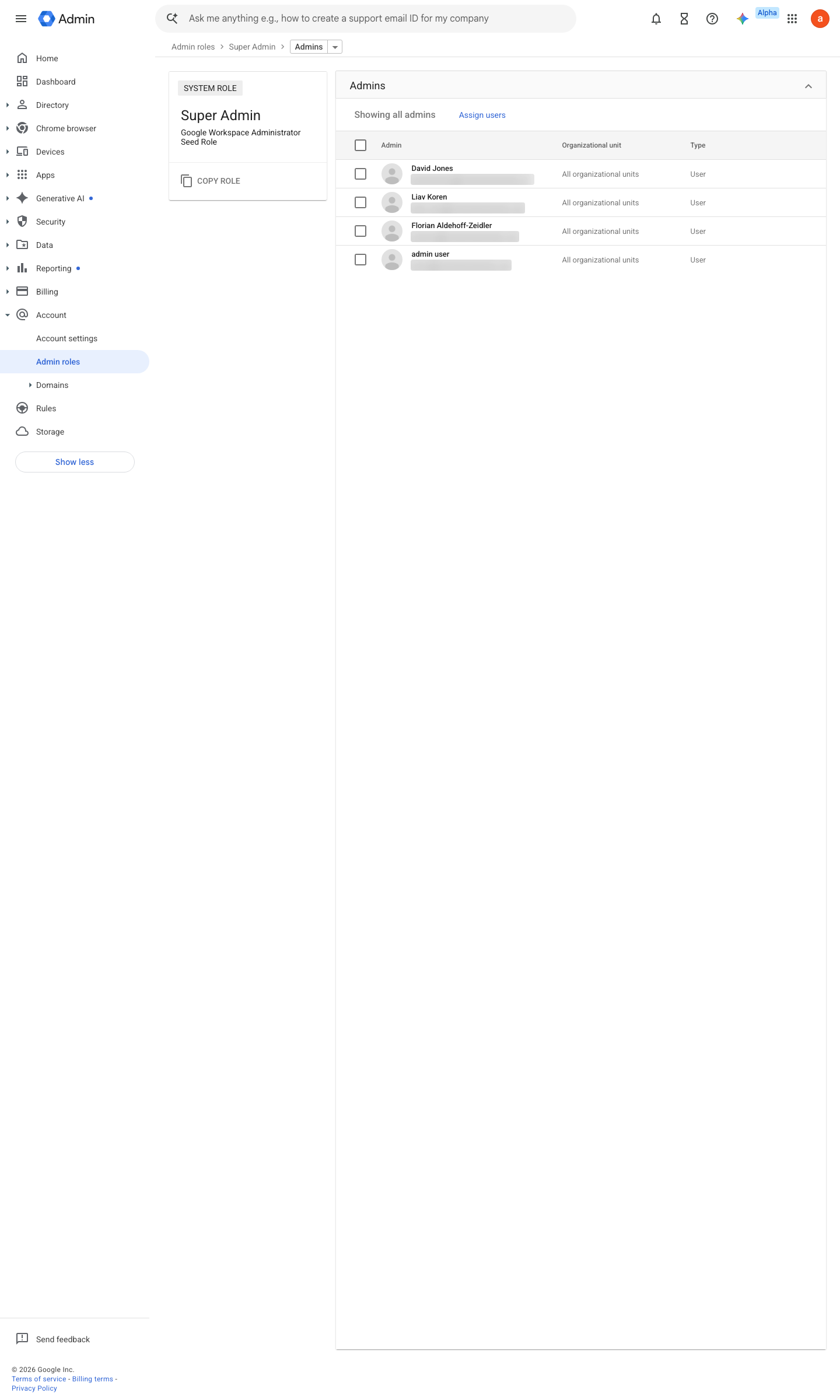
https://admin.google.com/ac/roles/65252159033180161/admins · captured 2026-07-15
Account › Admin roles › Super Admin- Super admins
2–4 named humans, no more
- open ↗
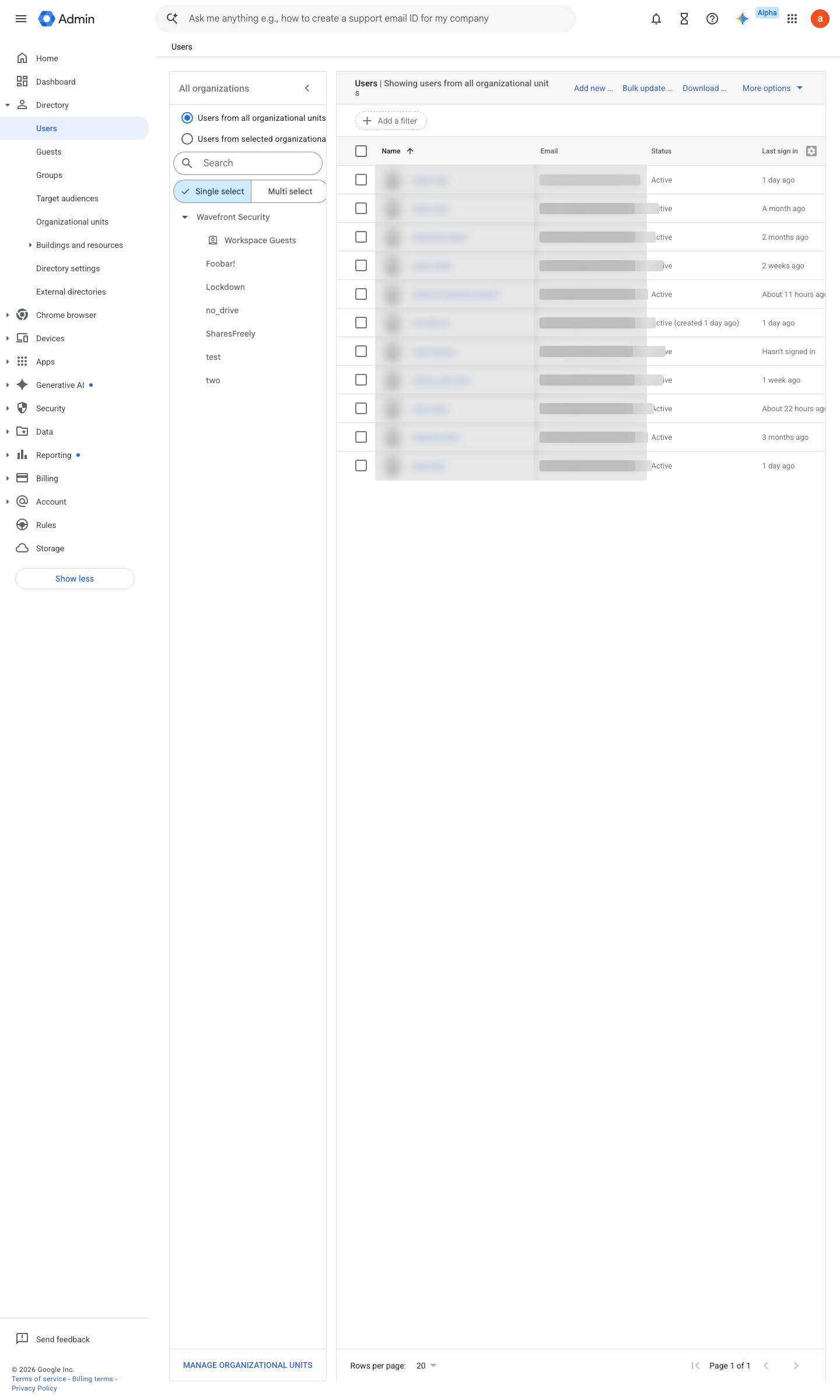
https://admin.google.com/ac/users · captured 2026-07-15
Directory › Usersadmin-<name>@<domain>, no mail flow, no third-party OAuth grants
- open ↗
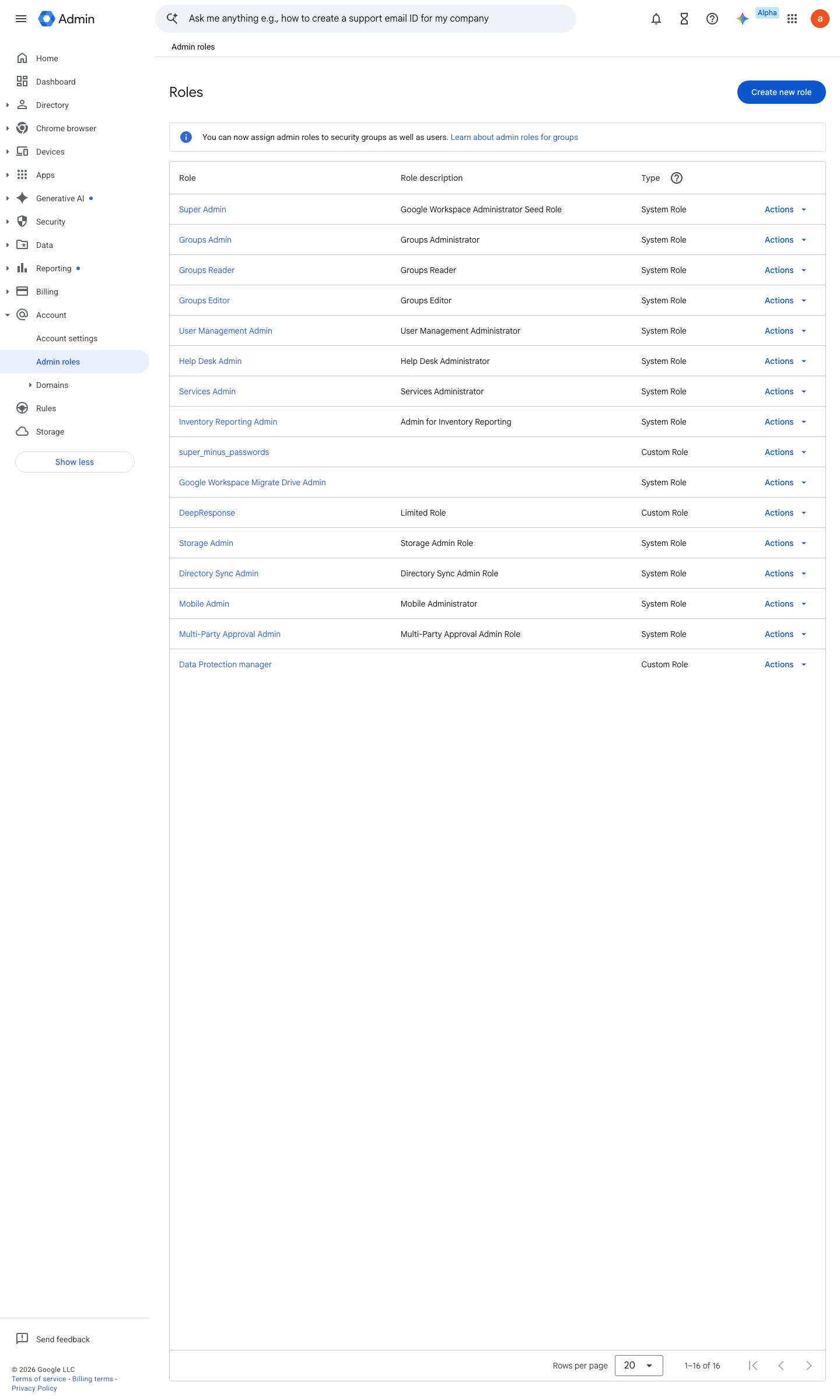
https://admin.google.com/ac/list/roles · captured 2026-07-15
Account › Admin roles- Daily accounts
delegated role only- Super Admin
admin-* identities
Prebuilt administrator roles ↗ Remove Google Workspace administrator privileges ↗
-
Account › Admin roles › <role> › AdminsRoster exported and dated
Ongoing maintenance
- automatable: script Quarterly: re-run the super-admin enumeration and re-attest each entry (folds into the №41 recertification cycle).
How to verify
-
Count the super admins and check they are dedicated admin-only identities (no mail flow, no OAuth grants).
gam print users query "isAdmin=true" fields primaryEmail,lastLoginTime -
The list should be 2–4 accounts, every one a dedicated admin identity — a daily-driver mailbox in this list is the finding.
v0.1.2 Prevent policy #4 · #28 ↗