63 Travel-mode accounts
draft
For a border crossing or a trip into a hostile jurisdiction, the traveller carries a sanitised identity: a travel account or travel OU with no admin roles, no Vault, no sensitive shared drives, a geo-restricted access policy and a short session. Access is granted by group, so moving the person between groups is the whole switch. The primary identity is suspended for the duration where the trip allows it, and its sessions and tokens are revoked on return before membership is restored.
Caveats
- The runbook must be executable by someone other than the traveller1
Setup steps
-
Travel OU: Context-Aware Access geo policy (Enterprise Standard+, Education Standard+, Frontline Standard+, Enterprise Essentials Plus and Cloud Identity Premium; silently ignored on other editions) + short session length + no admin roles
Protect your business with Context-Aware Access ↗ Set session length for Google services ↗
- open ↗
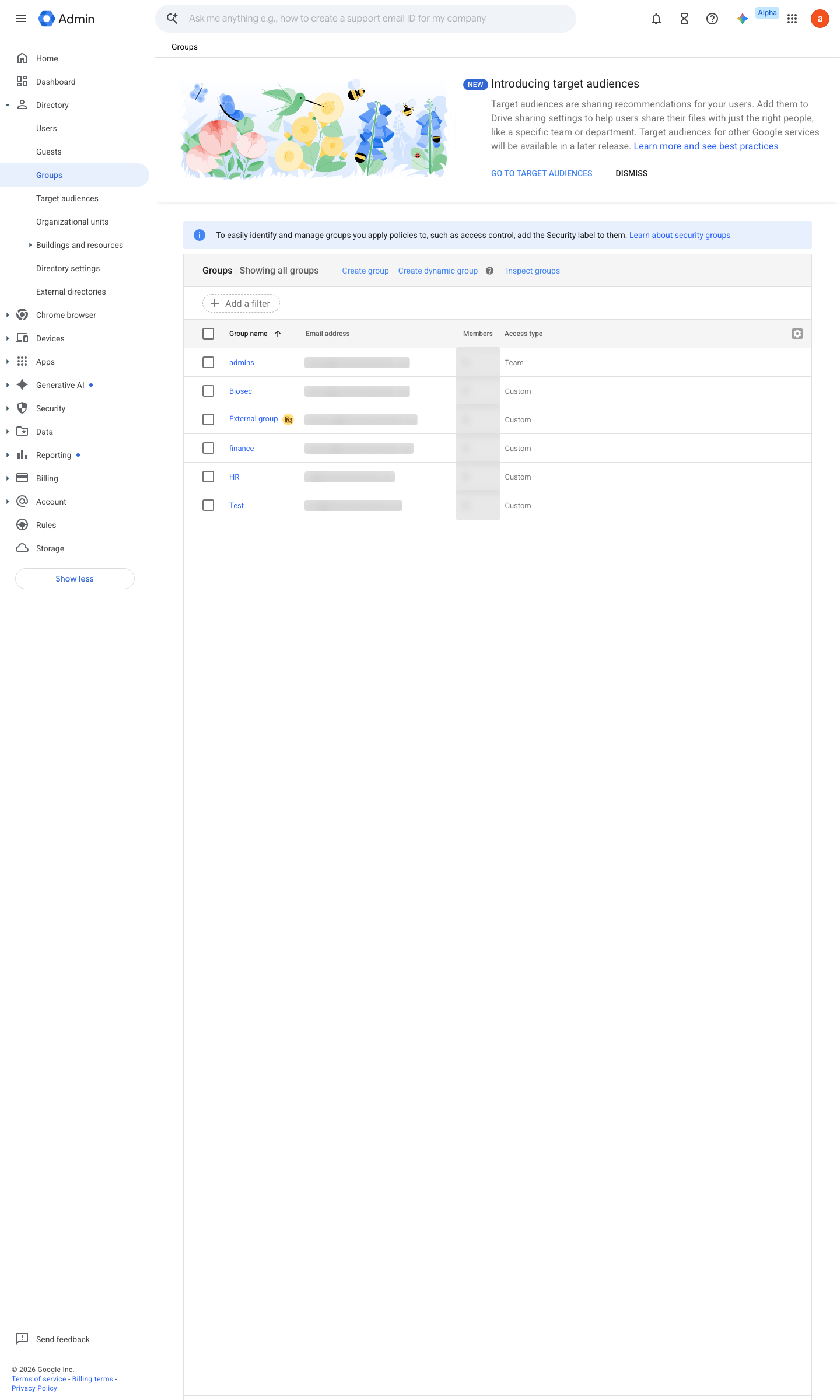
https://admin.google.com/ac/groups · captured 2026-07-15
Directory › Groupsgam update group sensitive-team remove member user@… gam update group travel add member user@…Add or invite users to a group ↗ Remove or ban users from a group ↗
- open ↗
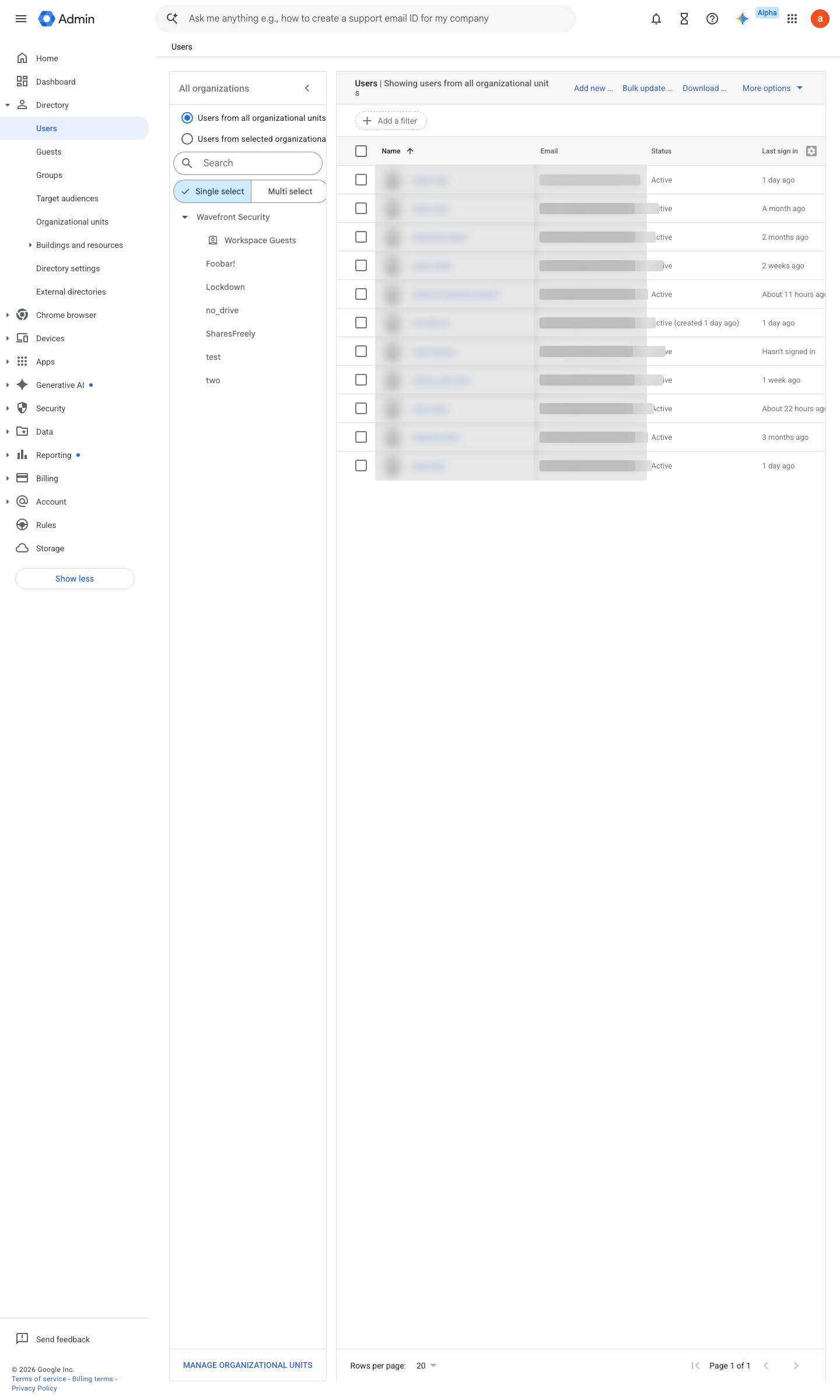
https://admin.google.com/ac/users · captured 2026-07-15
Directory › Usersgam update user user@… suspended on|off -
gam user user@… signout
gam user user@… deprovision   # revokes tokens, app passwords and backup codes
Ongoing maintenance
- automatable: script Per trip: provision the travel account before departure and destroy/rotate it on return.
- requires a human Per trip: brief the traveller and confirm the primary account lock.
How to verify
-
Before a trip: confirm the travel account holds only the trip’s data, sits in the travel OU with its tighter CAA level, and the traveller’s primary account is suspended or locked for the duration.
draft v0.1.3 Prevent policy #25 · #14, #30 ↗