30 Vault retention & legal hold
Vault decides how long Gmail, Drive, Chat and Groups data is kept and whether a user can delete it at all. A default rule sets a retention period per service; a custom rule overrides it for an OU or shared drive; a hold on a matter overrides both — including user deletion — for as long as the hold exists. Retention is what makes data survive an attacker or a departing employee trying to destroy it, and Vault privileges are a separate admin role rather than something implicit in super admin.
Documentation: Set up Vault for your organization ↗ · How retention works ↗
Caveats
Setup steps
-
Vault › Retention › Default rules- Default rule per service
Retain for <N> days from message/file creation- post-retention action
purge (choose purge only already-deleted items, or purge all data including undeleted items) (OU carve-outs, e.g. retain-indefinitely for crown jewels, belong in the next step's custom rules)
- open ↗
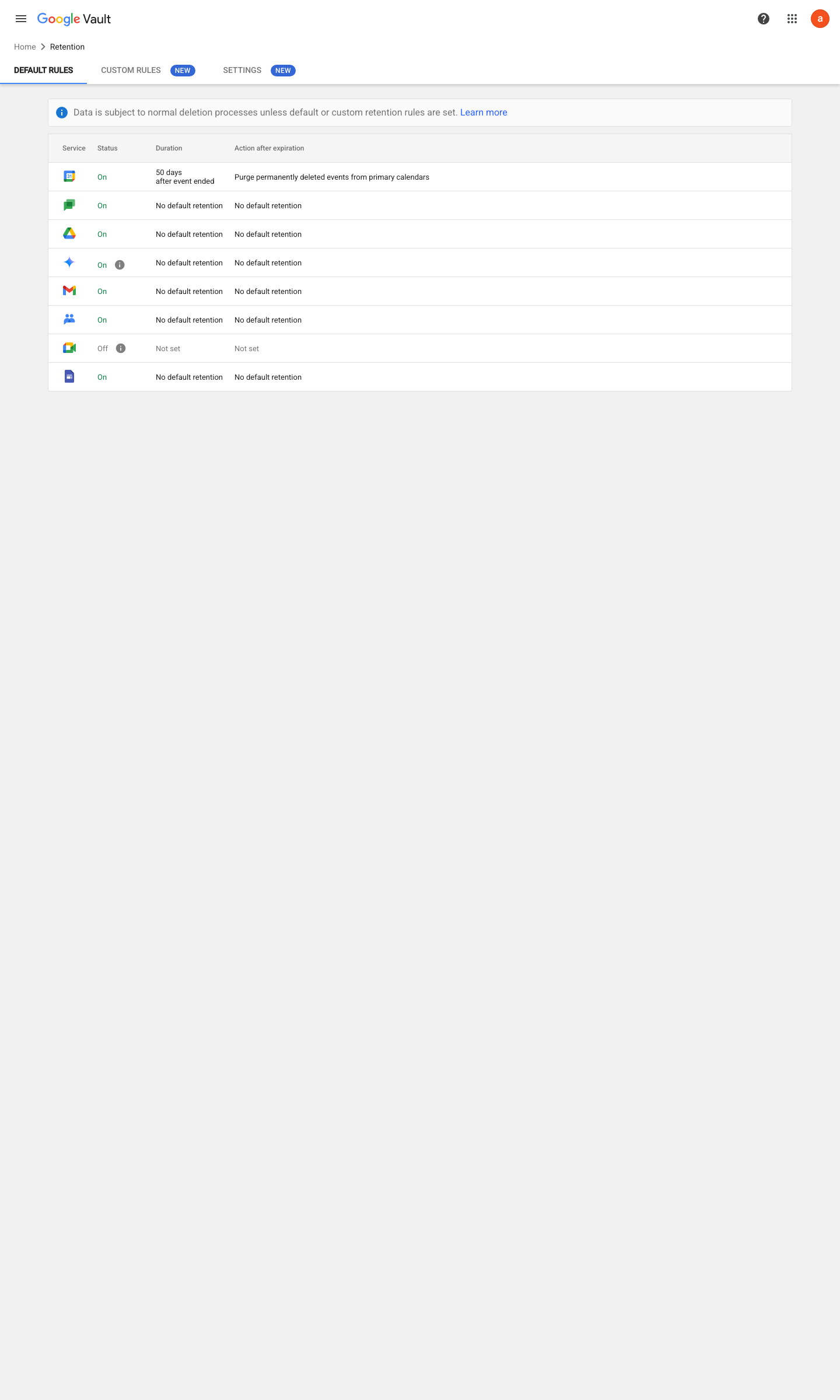
https://vault.google.com/u/0/retention · captured 2026-07-15
Vault › Retention › Custom rules- Custom rule
scope (OU / shared drive / term) + duration + expire action
-
Vault › Matters › <matter> › HoldsHold = service (Gmail/Drive/Chat) + accounts or OU; no end date
Get started with holds in Google Vault ↗ Create & manage matters ↗
-
Admin console › Account › Admin rolesVault role granted to named custodians only; since November 1, 2025 each Vault admin must also hold a Vault license — the role alone no longer grants access
Ongoing maintenance
- requires a human On every departure/litigation event: place or release holds per the legal process.
How to verify
-
In Vault, read the default retention rule and any custom rules against the retention schedule, and list active holds — then search for a message older than the retention window to confirm expiry actually happens.
Further screens
Screen 1 of 1: Google Vault > Matters (legal hold lives inside a matter)
open ↗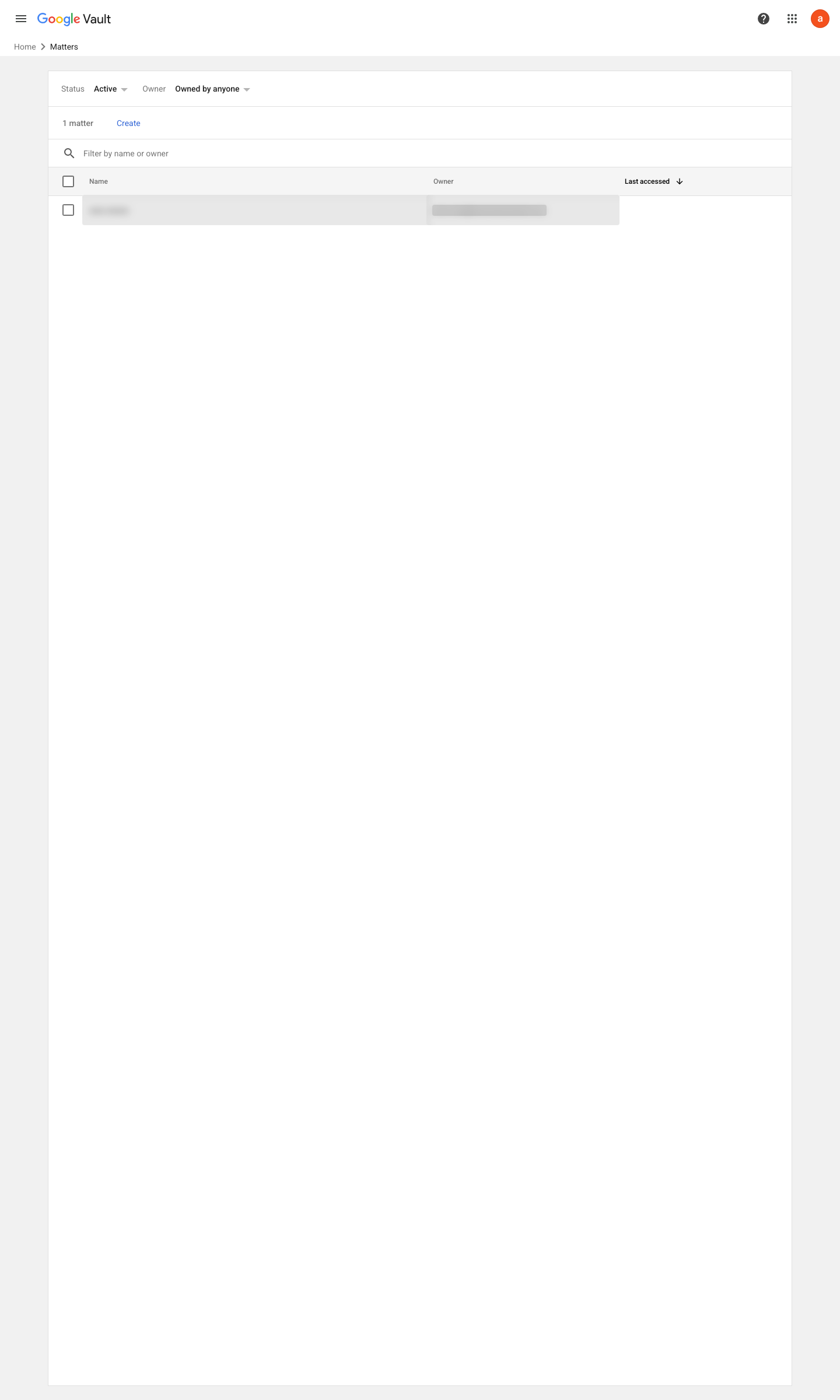
v0.1.3 Recover edition Business Plus+ policy #18 · #11 (gap G2) ↗