13 Drive external-sharing restriction / trust rules
Governs Drive's outbound boundary: whether files may be shared outside the organisation at all, to which domains, whether non-Google 'visitors' can be given PIN-based access, and what link state a newly created file is born in. A target audience narrower than the whole domain makes 'share with the company' mean a team rather than everyone. On Enterprise Standard/Plus, Education Standard/Plus, Frontline Plus and Enterprise Essentials Plus, the blunt domain allowlist can be replaced with directional trust rules — who may share, to whom, in which direction.
Caveats
- Trust rules require Enterprise Standard/Plus, Education Standard/Plus, Frontline Plus or Enterprise…1
- Turning external sharing fully Off also revokes external users’ access to previously shared items2
- Shared drives carry their own sharing settings, which can be looser than the OU default3
- Visitor sharing is a distinct toggle and a routine blind spot4
Setup steps
- open ↗
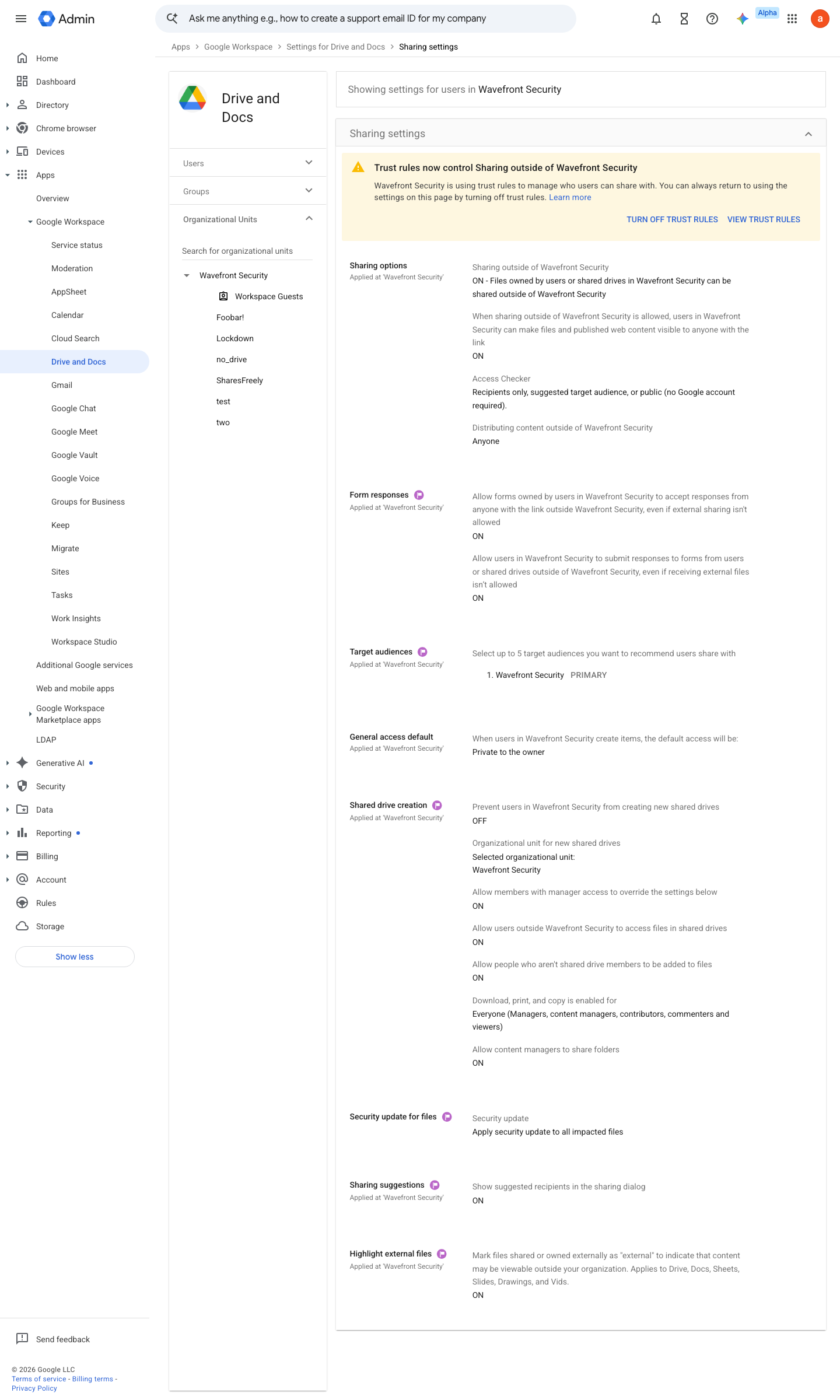
https://admin.google.com/ac/managedsettings/55656082996/sharing · captured 2026-07-15
Apps › Google Workspace › Drive and Docs › Sharing settings › Sharing options- Sharing outside of <domain>
Off, or 'Allowlisted domains' with an explicit domain list
-
Apps › Google Workspace › Drive and Docs › Sharing settings › Sharing optionsWarn when sharing outside <domain> = On; Allow users or shared drives in <domain> to share items with guest accounts and visitors without Google Accounts = Off (visitor sharing)
-
Apps › Google Workspace › Drive and Docs › Sharing settings › Sharing optionsWhen sharing outside of <domain> is allowed, users can make files and published web content visible to anyone = Off; General access default = Private to the owner
- open ↗
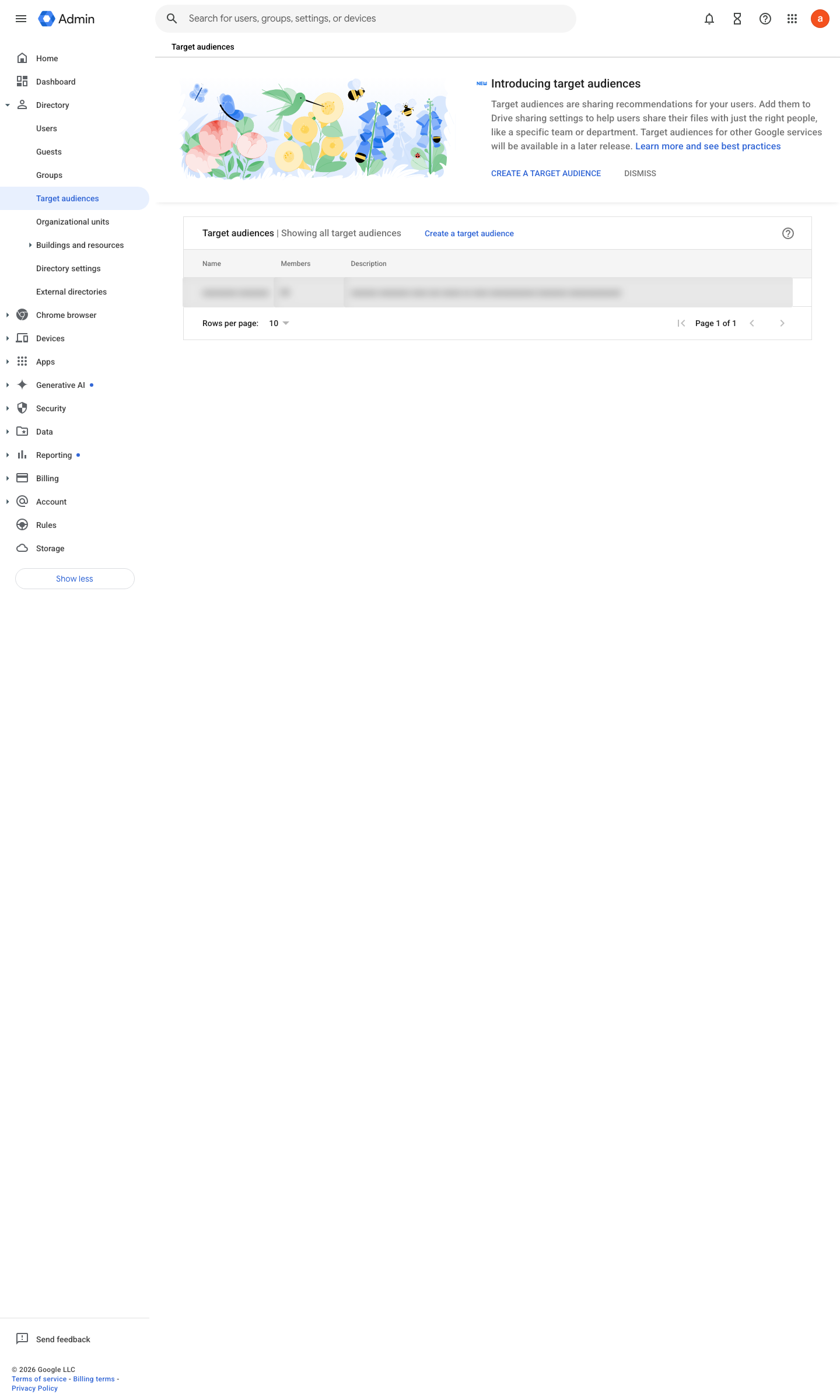
https://admin.google.com/ac/targetaudiences · captured 2026-07-15
Directory › Target audiencesCreate a target audience per department; set it as the Drive default rather than the whole organisation
Create a target audience ↗ Set target audiences for a Google service ↗
- open ↗
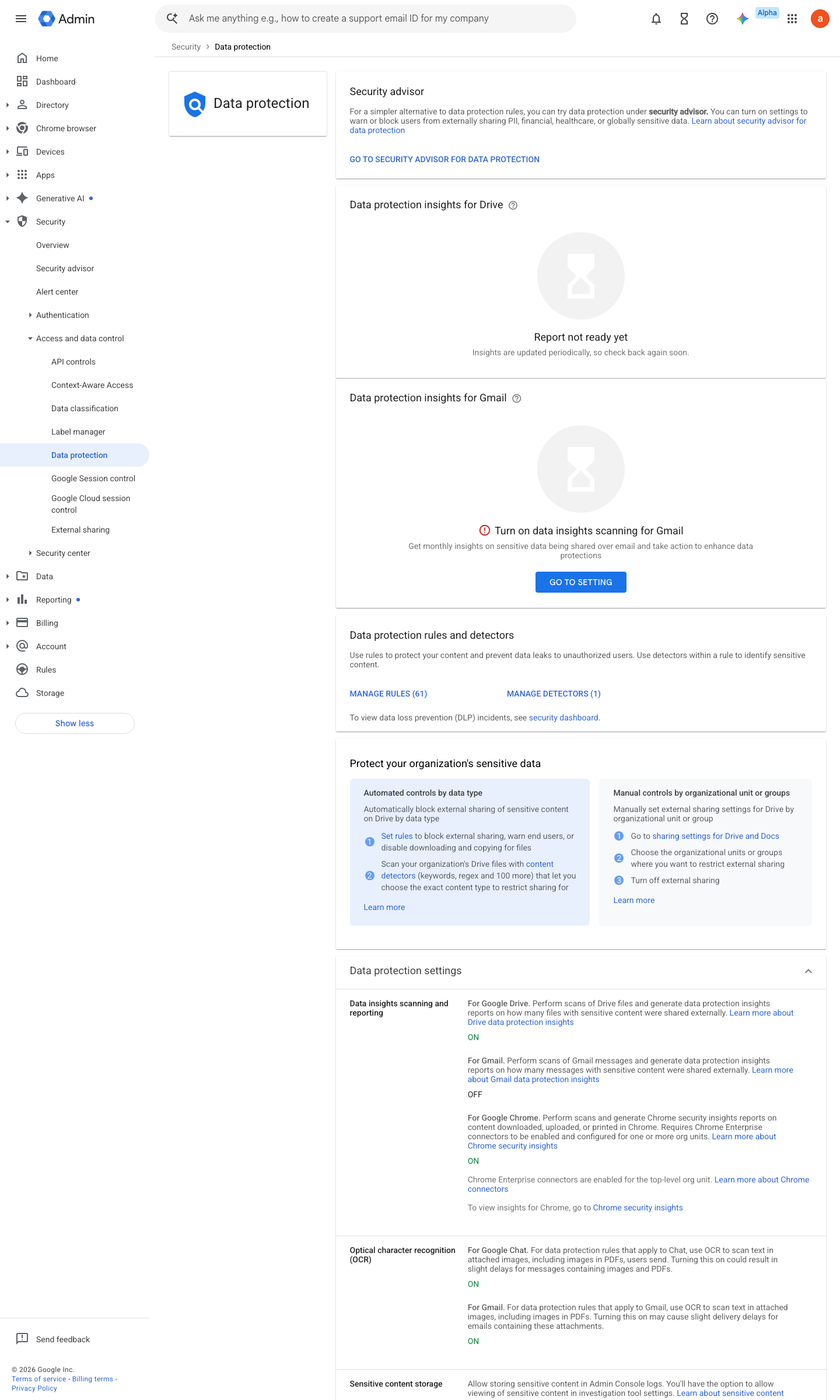
https://admin.google.com/ac/dp · captured 2026-07-15
Rules › Create rule › Trust rule- Create trust rules: internal→external sharing
allow to named partner domains only, warn or block otherwise- external→internal receiving
allow from named partner domains only
Ongoing maintenance
- requires a human Quarterly: review trust-rule exceptions and expire ones whose engagement ended.
How to verify
-
From a test account, share a document to a personal address outside the trust rules — the share should be blocked or warned exactly as configured.
v0.1.2 Prevent edition All (trust rules: Ent Std+, Edu Std+, Frontline Plus, Ent Essentials Plus) policy #15 · #4 ↗